

Best IT Hardware for Dental Clinics: Laptops, Servers and Networking
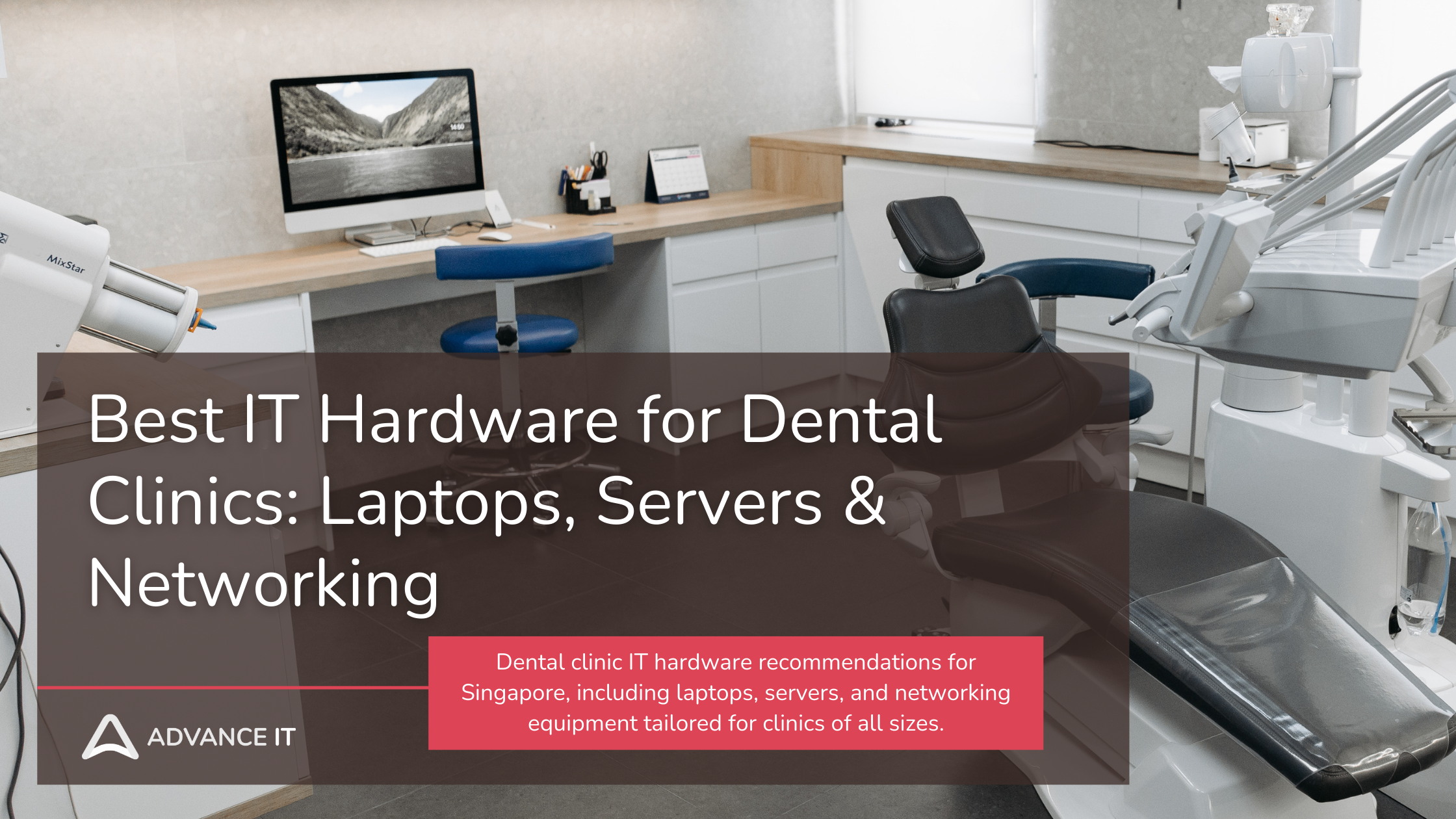
Dental Clinic IT Hardware Recommendations in Singapore for 2026
Technology is no longer optional for dental clinics — it’s essential. From digital imaging and appointment systems to secure patient records and payment processing, every aspect of a modern dental practice relies on reliable, high-performance IT hardware.
But with so many options out there, how do you choose the right hardware for your clinic — without overspending or ending up with underpowered systems?
In this guide, we share our expert dental clinic IT hardware recommendations for Singapore, including laptops, servers, and networking equipment tailored for clinics of all sizes.
Why Hardware Matters in a Dental Setting
Unlike standard office environments, dental clinics have specialized needs when it comes to IT:
Dental imaging software (e.g. X-rays, 3D scans) requires high processing power
Electronic Dental Records (EDR) must be stored and accessed securely
Real-time syncing across treatment rooms and front desk must be seamless
Hardware must integrate with dental equipment and software like Dentrix, Romexis, or Carestream
Patient data must be stored in compliance with Singapore’s PDPA and MOH standards
This means that generic laptops or Wi-Fi routers simply won’t suffice.
Let’s explore what you actually need — and why.
Laptops & Desktops for Dental Clinics
For Front Desk / Admin Use
The reception or admin area handles appointments, billing, and basic admin tasks. Here’s what to look for:
Recommended Specs (Admin Workstations):
Intel i5 / Ryzen 5 or higher
8GB RAM minimum (16GB preferred)
SSD Storage (256GB or more)
21”–24” monitor for easier multitasking
Quiet, compact form factor for front desk space
Recommended Models:
Dell OptiPlex 7000 Series (for desktops)
HP ProBook 400 series (for laptops)
Lenovo ThinkCentre M Series
These machines are reliable, serviceable, and built for business environments — unlike consumer-grade devices.
For Dentists / Treatment Room Use
Dentists need hardware that can handle dental imaging software, X-ray viewers, and patient history — without delays.
Recommended Specs (Treatment Room PCs):
Intel i7 / Ryzen 7 processor
16GB RAM or more
Dedicated graphics (NVIDIA/AMD preferred for heavy imaging)
Dual-monitor setup (24”–27”)
High-speed USB ports for intraoral cameras, scanners, etc.
Recommended Models:
HP Z2 Mini or ZBook series
Dell Precision Series
Apple Mac Mini M2 (if your software stack supports macOS)
These systems are built to handle high-resolution imaging and multitasking with ease — ensuring smooth operation during procedures.
Servers & Storage Systems
Even in the age of cloud computing, many dental clinics still benefit from local servers to store imaging data and patient records — especially for speed and compliance.
Do You Need a Server?
Yes, if your clinic:
Has multiple operatories and staff
Uses in-house imaging equipment
Needs fast access to large files (e.g., DICOM)
Requires centralized backup and data control
Recommended Specs (Clinic Server):
Intel Xeon or AMD EPYC processor
ECC RAM (32GB–64GB for growing clinics)
RAID-enabled drives (1TB–4TB per drive)
Server-grade SSDs for performance
Backup power (UPS) and redundant cooling
Recommended Models:
Synology RackStation (for dental clinics using hybrid cloud)
Dell PowerEdge T Series (tower)
HPE ProLiant ML350
💡 Advance IT provides setup, configuration, and regular maintenance to ensure these systems run securely and efficiently.
Networking Equipment: Wi-Fi, Routers & Switches
A reliable, secure network is non-negotiable for modern dental clinics.
Must-Have Features:
Business-grade firewall with intrusion prevention
Managed switches for better traffic control
Dual-band or Wi-Fi 6 access points for high-speed wireless
VLAN setup to separate patient Wi-Fi from clinical systems
Recommended Networking Gear:
Firewall: Fortinet FortiGate 40F or Sophos XGS Series
Access Points: Ubiquiti UniFi 6, Cisco Meraki Go
Switches: Netgear Smart Managed Pro or Cisco Small Business
Backup Internet: 4G failover router for downtime protection
🛠️ Advance IT offers full network design and implementation, including site surveys and structured cabling.
Security & Compliance Add-ons
Singapore's PDPA and MOH regulations require clinics to ensure secure handling of patient records. Hardware alone isn’t enough without the right setup.
Must-Have Security Tools:
Encrypted storage or BitLocker-enabled drives
Endpoint protection (e.g. Sophos, Bitdefender)
Firewall with VPN for remote access
Role-based access to EMRs
Automated backups (local + cloud)
⚠️ Many clinics use powerful machines but skip proper encryption or failover planning — exposing themselves to breaches.
How to Budget for Dental Clinic IT Hardware in Singapore
Here’s a quick breakdown to help you estimate your IT spend:

💡 Leasing options are also available through Advance IT, allowing clinics to stay modern without heavy upfront costs.
Why Clinics Trust Advance IT for Dental Hardware Planning
With years of experience working with dental practices across Singapore, Advance IT delivers more than just hardware — we provide strategic implementation and ongoing support.
Here's what sets us apart:
Vendor-neutral advice (we recommend what fits you, not what we’re paid to sell)
Hardware bundled with full setup, data migration & user onboarding
Support team model: Helpdesk + Onsite + Admin-level experts
MOH & PDPA-compliant solutions
Future-proof planning for scaling or multi-branch clinics
Final Thoughts: Invest Right, Scale Smart
The right IT hardware doesn’t just power your practice — it supports better patient care, smoother operations, and long-term growth.
Whether you’re opening your first clinic or upgrading aging systems, making informed, compliance-aligned hardware decisions is essential.
Need Help Choosing the Right Setup?
Advance IT can help you design, procure, and implement the ideal IT infrastructure for your dental clinic. From laptops to servers and secure networks, we build solutions that work — reliably and compliantly.
🔗 Book a Free Hardware Planning Session
Practical, secure, and tailored for Singapore’s dental practices.
····························································
With over 15 years of experience and a strong focus on IT support and Managed IT, we’re proud to have 99.5% of our customers staying with us long-term.
‣ Website: https://www.advanceit.sg/
‣ Address: 8 Burn Road, #11-11 Trivex Singapore 369977
‣ Email us at: contact@advanceit.sg
‣ Call our team: +65 6592 8458







Is your Singapore clinic ready for the Health Information Act? Learn the 2027 HIA deadline, NEHR requirements, cybersecurity rules and practical steps private clinics should take now.